
I got a new toy for my lab, so I wanted to share how to enable SHR on Synology DS3615xs.
Enable SHR on Synology DS3615xs – Introduction
While my r710 was working great for VMs/storage, it was time to start upgrading my lab.
After poking around on Craigslist/Facebook, I saw a great deal on some Synology devices.
In the end, I got a Synology DS3615xs and 11x 6TB NAS drives for just under $500!
By default, the newest version of DSM does not support SHR out of the box, but I wanted to re-enable it.
DiskStation Setup and Configuration
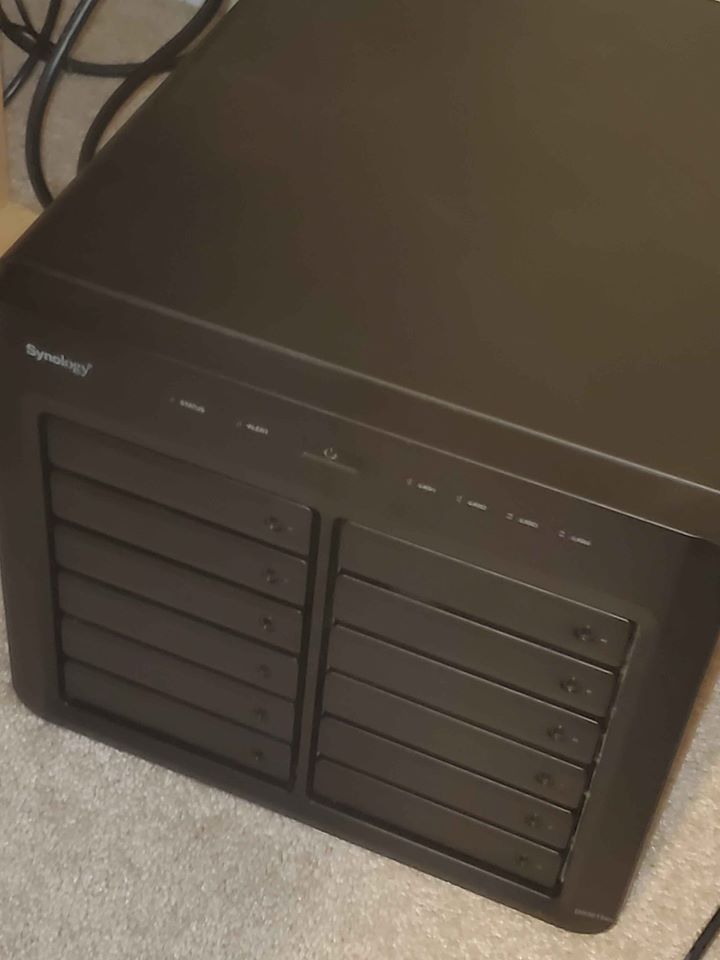
First, I took a picture of my new toy in all of its beauty.
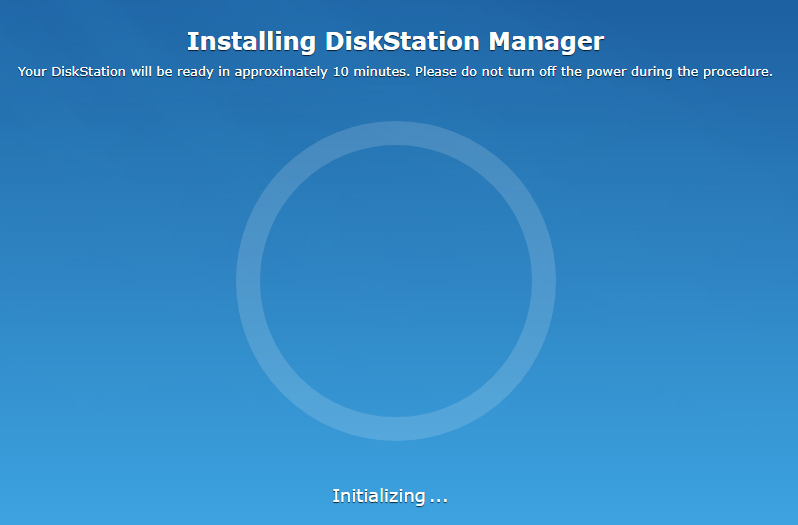
When I booted it up, it installed DSM to all of the drives.
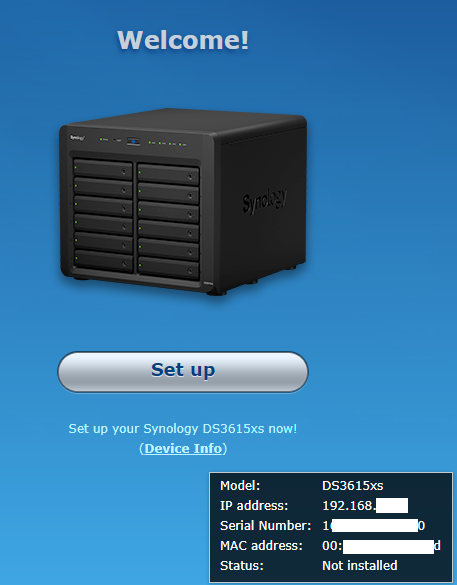
When this was complete, I saw a welcome page, and went through the initial setup process.
Next, I logged in to my newly created account.
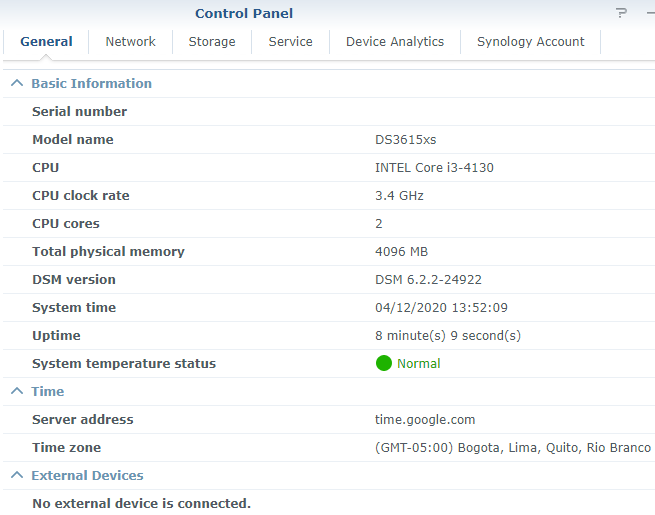
As you can see, this system is rocking an i3-4130 and 4GB of RAM.
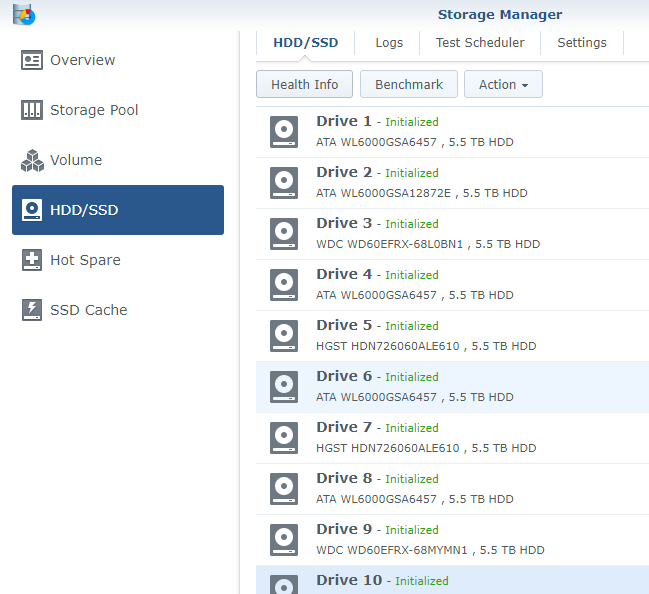
Additionally, all 11 drives were showing up and healthy.
Enable SHR on Synology DS3615xs
With the system online and setup, it was time to enable SHR.
The reason for Synology disabling SHR is that this is expected to be an enterprise NAS. That said, I will likely be upgrading it slowly over time, and my drives won’t always match.
First, I found the XPEnology write-up, which was invaluable for this process.
Once I enabled SSH on my NAS, I connected to edit the synoinfo.conf file.
doyler@Alexandria:/$ sudo vi /etc.defaults/synoinfo.conf
We trust you have received the usual lecture from the local System
Administrator. It usually boils down to these three things:
    #1) Respect the privacy of others.
    #2) Think before you type.
    #3) With great power comes great responsibility.
Password:
As you can see, I commented out the original raidgroup setting, and then followed the rest of the steps.

In the end, this is what my config file looked like.
doyler@Alexandria:/$ cat /etc.defaults/synoinfo.conf

... <snip> ...

support_syno_hybrid_raid="yes"

supportphoto="yes"
support_download="yes"
supportquota="yes"

... <snip> ...

cache_skip_seq_io_min_num_disk="1"
supportraid="yes"
supportadt7490="yes"
#supportraidgroup="yes"
support_config_swap="yes"
Creating the Storage Pool
After restarting the box, I went to create a new storage pool from my existing drives.
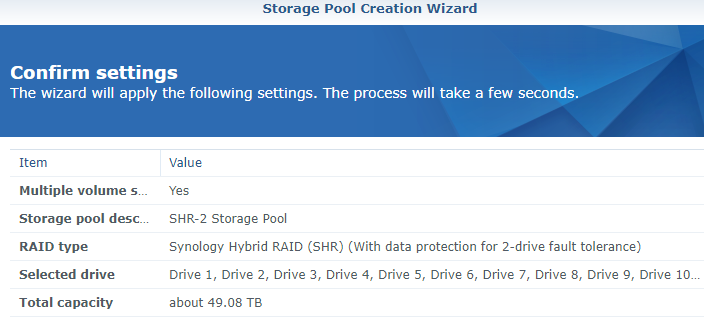
This time, SHR was available as an option, and I created a pool using all 11 of my drives with 2-drive fault tolerance.
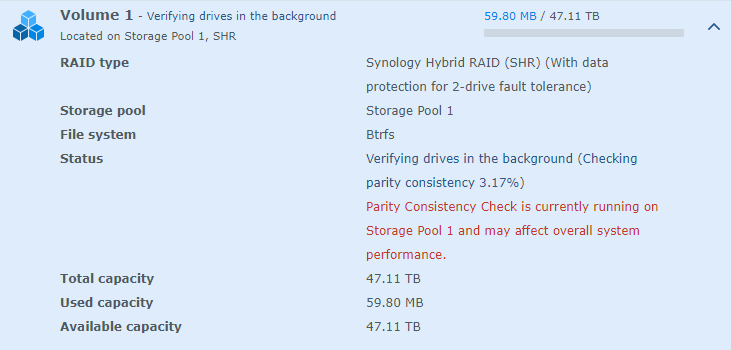
When I created the new pool, the parity check started to run, and I was left with over 47TB of available space!
Enable SHR on Synology DS3615xs – Conclusion
I was not planning to buy such a large NAS solution, but I could not pass up this deal. That said, the DS3617xs is the newer version if that is what you are looking for.
This will serve as my stand-alone storage base, and I will no longer need to worry about combining storage and VMs.
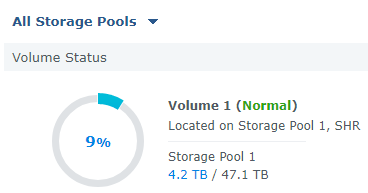
Even after moving over everything from the r710 and my desktop, I’m only using 9% of the available space so far.
출처 : https://www.doyler.net/security-not-included/enable-shr-on-synology-ds3615xs


